ENHANCE  LABS
Log inStart designing for free

The canvas where teamsand agentsdesign together

Go from code to canvas and back again when you design, prototype and build with Enhance.

Start designing for free
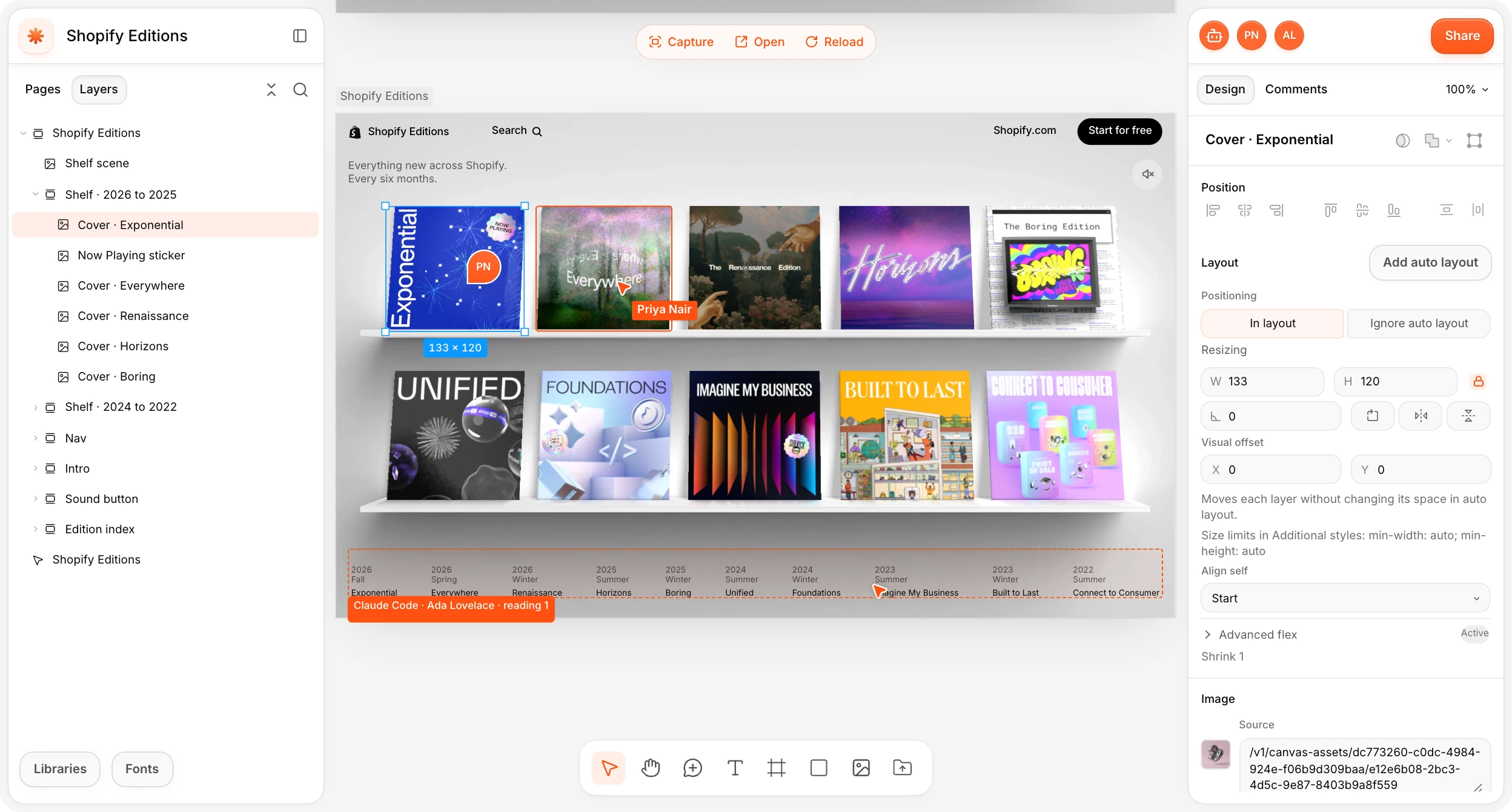

An Enhance canvas with the Shopify Editions prototype mounted on it, with the layers panel, the design inspector, Claude Code and Priya at work
Built and backed by
BlackbirdBlackbirdBlackbirdBlackbirdBlackbirdBlackbird

Go from prototype to production and back

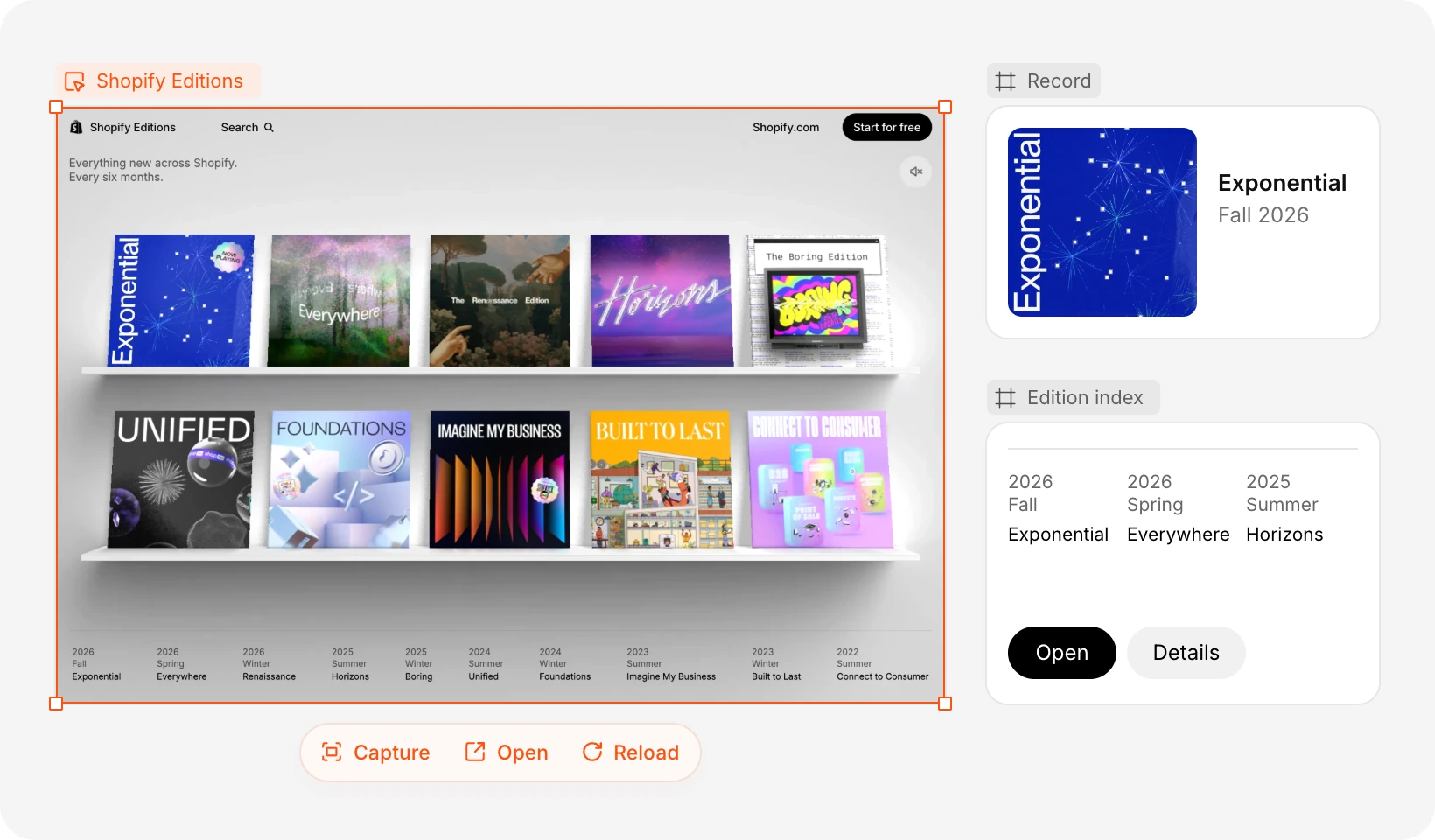
The Shopify Editions prototype mounted on a canvas, with a Record frame, the edition index and the Capture, Open and Reload bar

Mount prototypes

Click through your real build on the canvas, capture any screen as editable layers, or open it in a tab.
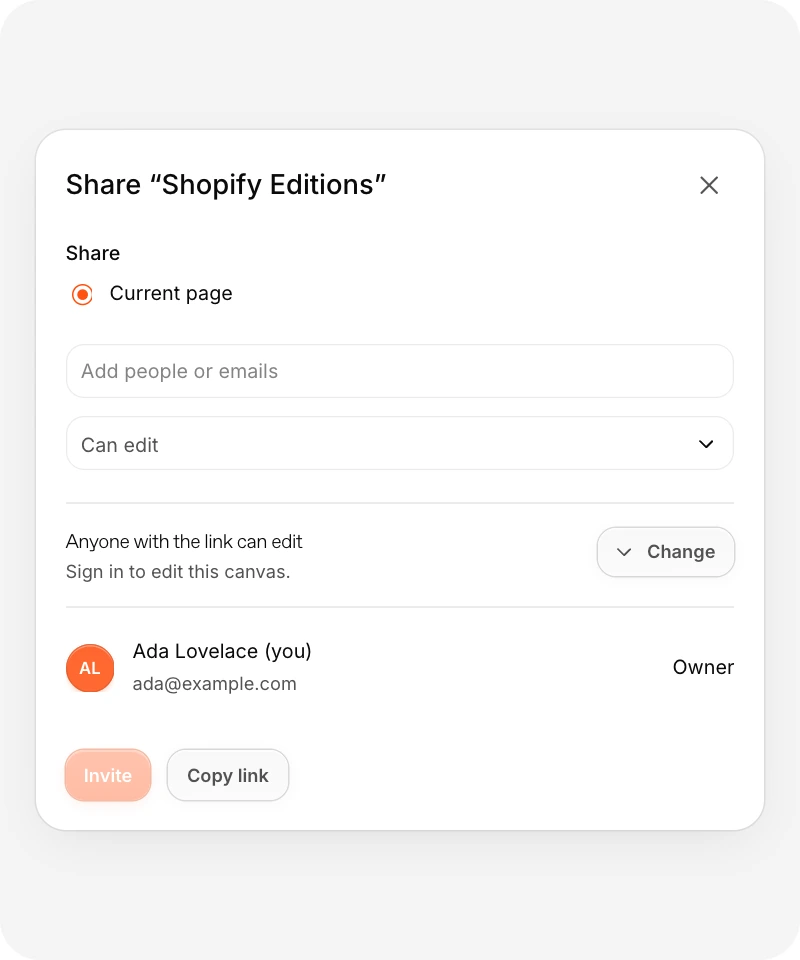
The Share dialog for the Shopify Editions canvas

Share with anyone

Share canvases and control permissions.
All the controls you expect in a design editor

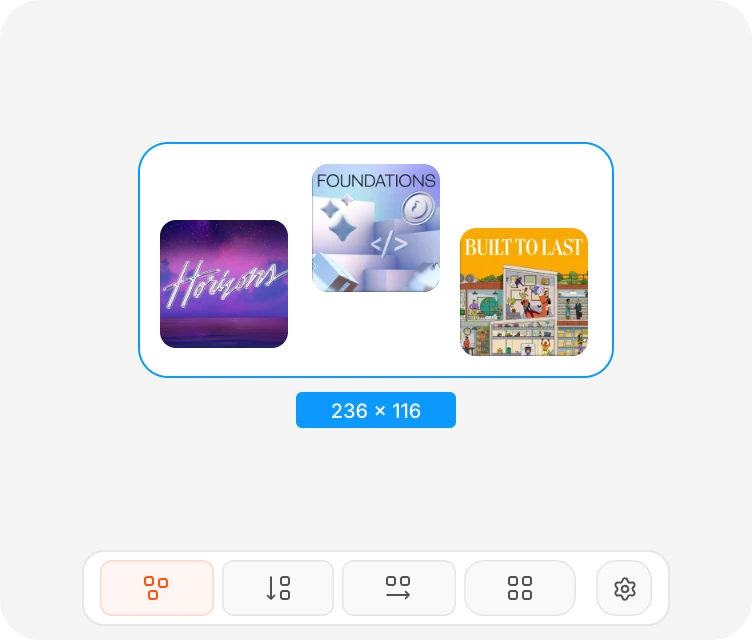
A frame with three covers in auto layout and the layout controls
Auto-layout
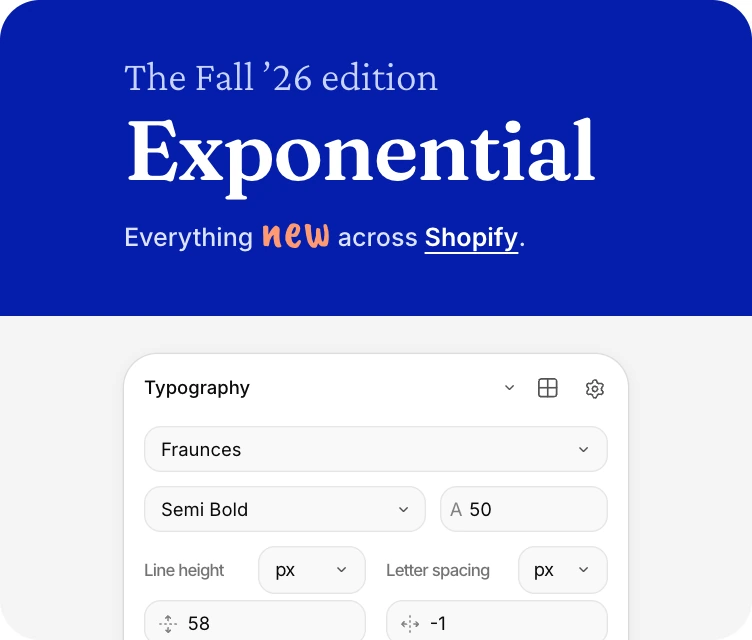
A heading set in Fraunces with the Typography panel
Rich-text editing
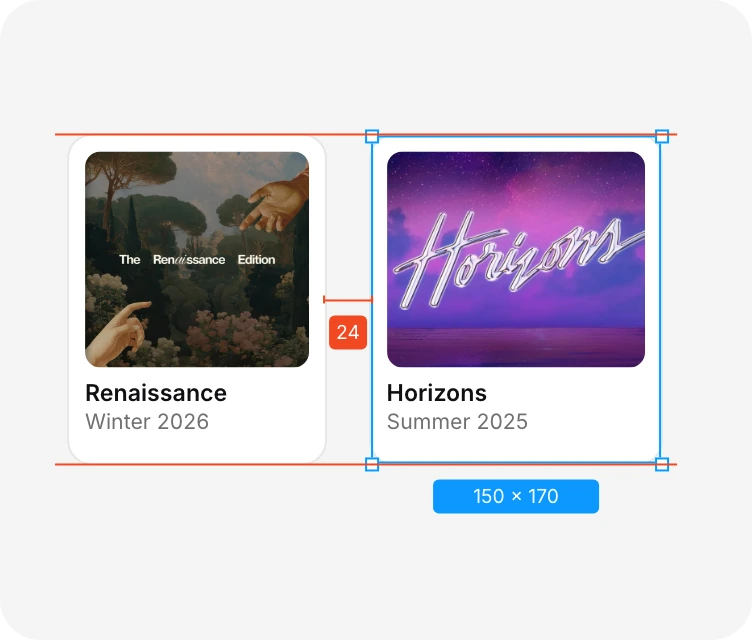
Two record cards snapped into line, with snap guides and a 24 px gap measurement
Measurements and snapping
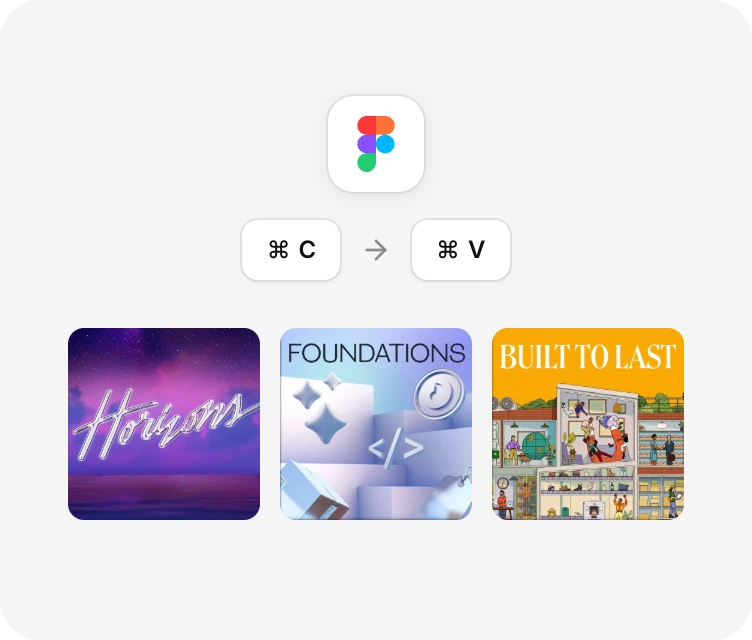
Copy from Figma and paste covers into Enhance
Figma import
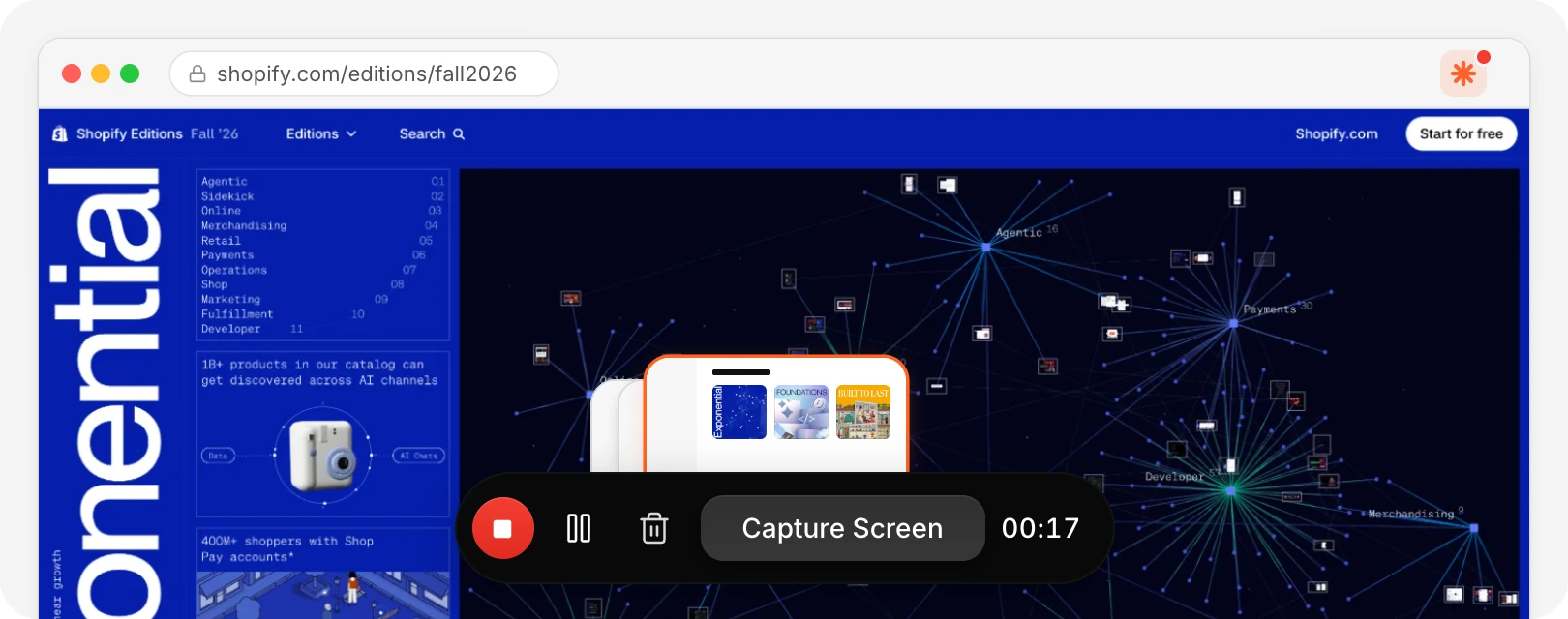
The Chrome extension recording a site with the Capture Screen bar
Capture any site with the Chrome extension
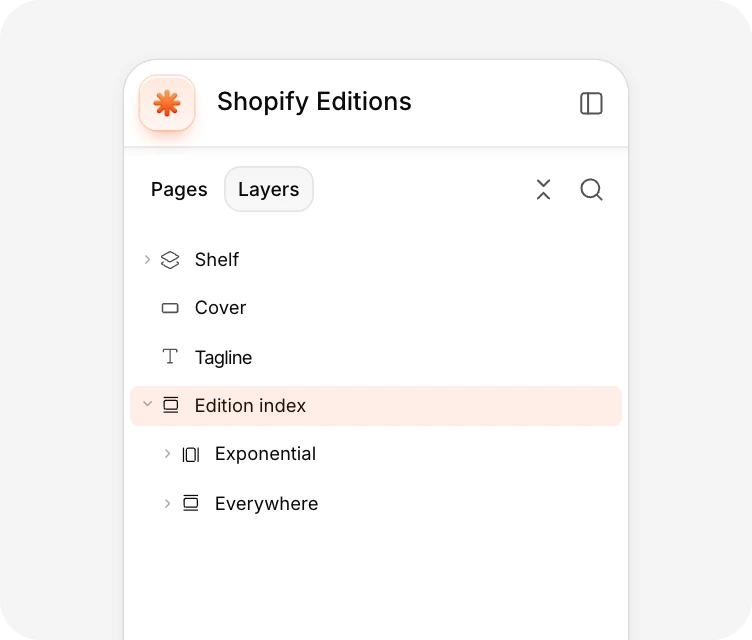
The layers panel for Shopify Editions
Layers
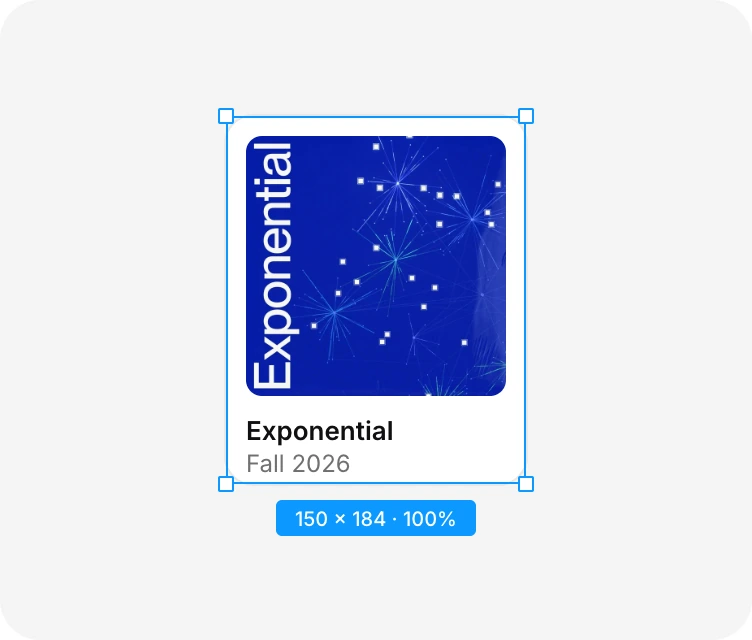
A record card scaled with the scale tool
Scale tool
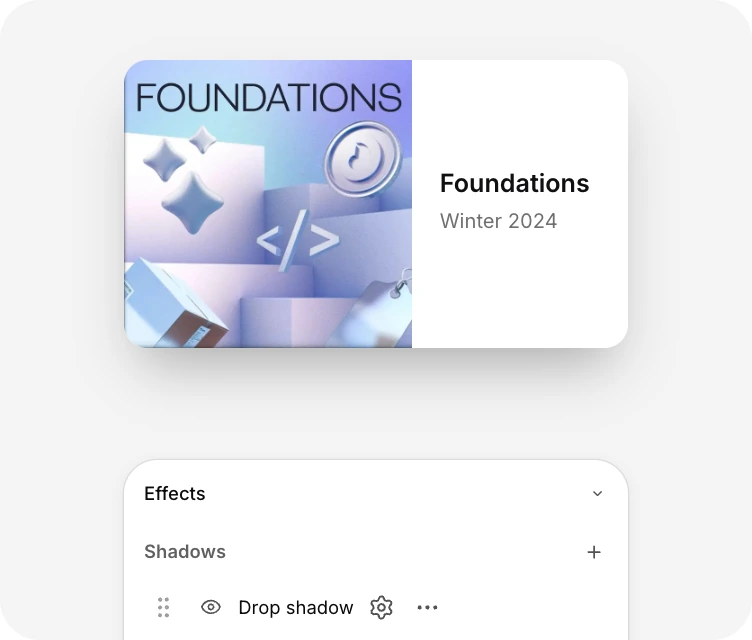
A record card with a drop shadow and the Effects panel
Effects
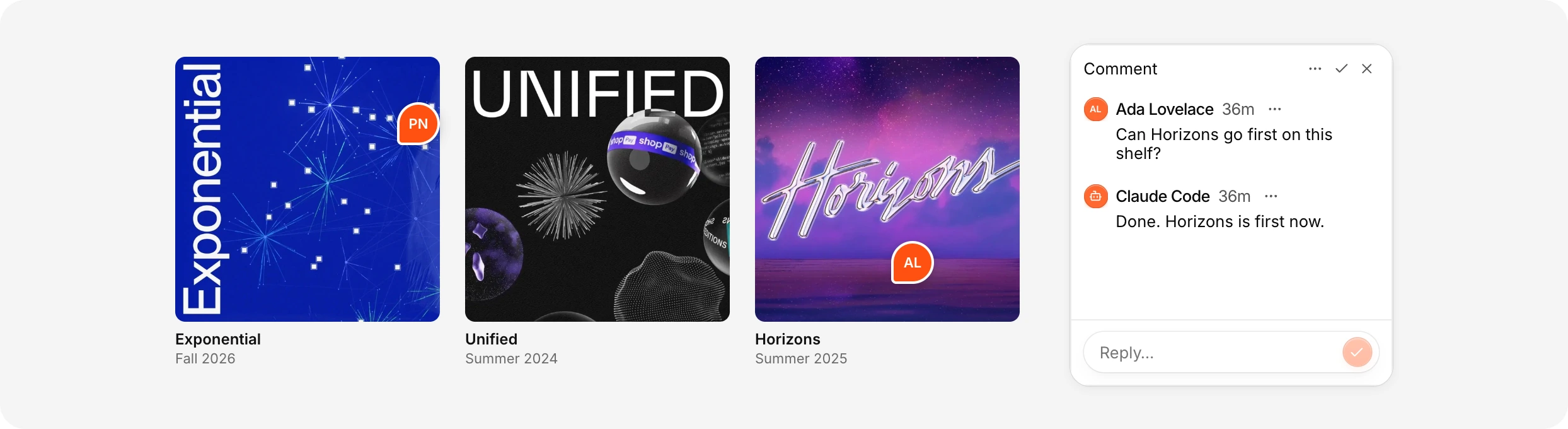
Three covers with a comment thread answered by Claude Code
Comments

Bring your own AI agent to Enhance

Connect MCPCursor, Claude Code and Codex
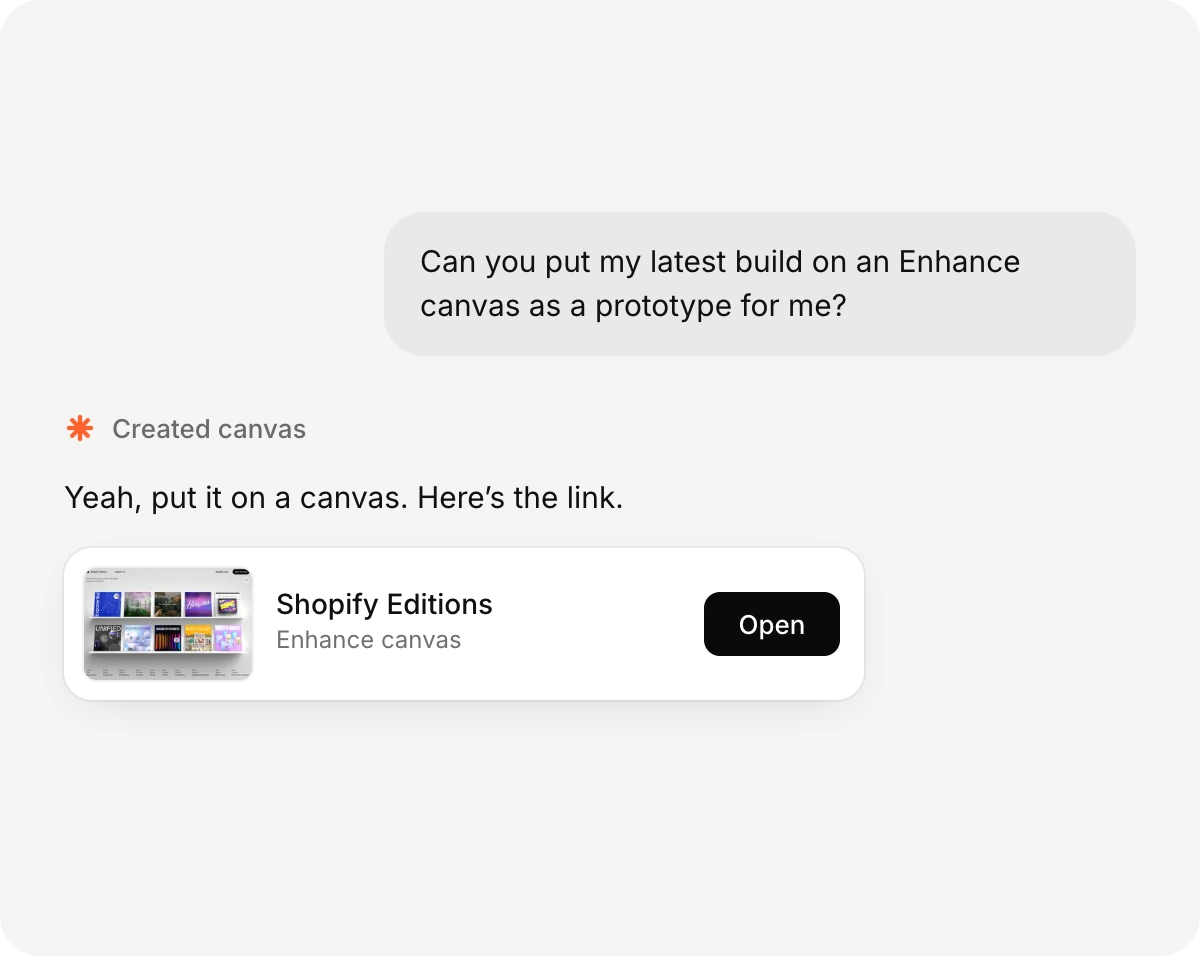
A chat where Claude Code puts the latest build on an Enhance canvas and shares the link

Common questions

Is Enhance free?

Yes. Enhance is free during alpha and billing is off. There are no credits, because you use the agent you already pay for.

Which agents work with Enhance?

Claude Code, Codex and Cursor connect through the plugin. ChatGPT, VS Code Copilot and any MCP client connect through the hosted connection.

Can I bring in my Figma designs?

Yes. Copy your frames in Figma and paste them into Enhance as editable layers.

Can I start from my live product?

Yes. Capture your site with the Chrome extension and each moment becomes an editable screen. You can also publish a prototype build and click through it on the canvas.

Can my team work on the same canvas?

Yes. You see cursors, selections and agent activity live, and comments pin to the exact layer or element.

Do you have components and design tokens?

They are coming. Today your agent builds approved designs with the components and tokens in your own code.

Enhance is free

Free for you and your team. No credit card required.

$0
Start designing for free
Included for free
Unlimited viewers
Unlimited editors
Unlimited teams
Unlimited MCP calls
Claude Code, Codex and Cursor
Comments and live cursors
Mount prototypes
Prototypes from local folders
Figma copy and paste
Chrome extension capture
Screens captured as editable layers
HTML, React, SVG and PNG export

Start designing on a canvas built for the agentic era

Start designing for free